
Browser Control Needs Guardrails
A practical read on the workflow, tradeoffs, and next steps. Read the workflow, review rules, and team training patterns for AI coding tooling.
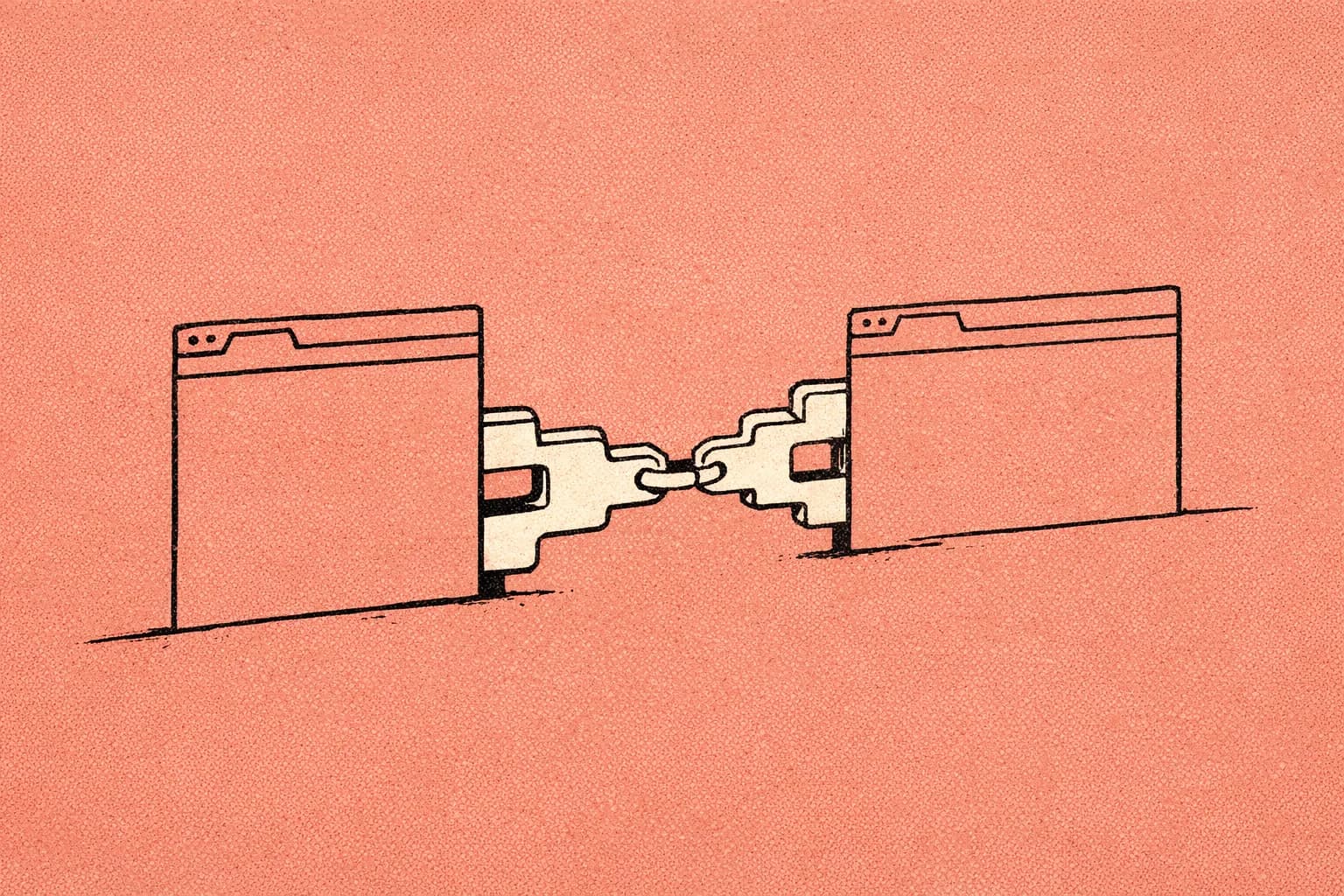
The situation
Counter-thesis: the problem is not that agentic coding tools can touch the browser; the problem is that teams let browser control become invisible.
I believed browser-driving agents were just a convenience feature. I tried them in Codex, Claude Code, and Codex, and here is what happened: small UI actions turned into hard-to-review side effects, flaky reproductions, and “it worked in my tab” confusion. The mistake was assuming model competence meant team safety.
Diagnosis: this is automation bias, the pattern where capability makes us stop demanding proof at the boundary. In agentic coding, the boundary is not the prompt. It is the artifact, the permission, and the review trail.
Thesis: browser control needs guardrails, not enthusiasm.
A useful way to think about this across Codex, Claude Code, and Codex is simple: Codex gives you scoped rules and browser-adjacent workflows in the IDE, Claude Code gives you persistent memory plus hooks and MCP boundaries, and Codex gives you CLI automation with instruction discovery and verification loops. The product names differ, but the governance problem is the same. That is the thesis I keep repeating: browser control needs guardrails.
Walkthrough
Failure mode: “the browser did it, so nobody can review it.” If you shipped AI code, you have hit this: a browser task changes state, but the only evidence is a chat transcript.
Why it happens: browser control is often treated as an execution detail instead of a reviewable workflow. The fix is the Reviewable Browser Loop: every browser action must end in a diff, log, or checklist item that a teammate can inspect.
For Codex, pair browser work with a scoped .cursor/rules/*.mdc note that says when browser control is allowed and what must be recorded. For Claude Code, use a hook or review checklist that captures the action boundary. For Codex, keep the browser step inside a codex exec verification loop so the result is reproducible.
# .cursor/rules/browser-control.mdc
---
description: Browser tasks must produce reviewable evidence.
globs:
  - "**/*"
apply: always
---
- Use browser control only for tasks that can be verified after the run.
- Record the target URL, action taken, and expected outcome in the PR notes.
- If the task changes external state, add a manual confirmation step.
- Do not rely on chat history as the only record.
After this fix, reviewers stop asking “did it happen?” and start asking “is the evidence sufficient?” That is tip one.
Failure mode: “the agent can reach everything.” If you shipped AI code, you have hit this too: one connector quietly becomes a universal connector.
Why it happens: MCP is powerful, and power without scope becomes accidental privilege. The fix is the Least-Privilege Connector Review: every connector gets a named owner, a narrow purpose, and a written approval boundary.
Claude Code’s docs are explicit that MCP is a connector boundary; use that boundary. Codex teams should treat MCP servers as part of workspace policy, not personal setup. Codex teams should verify the same boundary in the CLI workflow before automation is trusted.
After this fix, the question changes from “can it connect?” to “should it connect here?” That is tip two.
Failure mode: “the rules are somewhere in the repo.” If you shipped AI code, you have hit this: the agent follows one convention in one folder and a different one two directories down.
Why it happens: flat instructions do not match real repositories. The fix is the Scoped Instruction Chain: local rules beat global rules, and overrides must be explicit.
Claude Code already documents persistent instructions through CLAUDE.md and scoped rules; Codex reads AGENTS.md and override files; Codex’s current model centers layered .mdc rules. The shared lesson is that team conventions should live where the work lives.
After this fix, the agent stops guessing which policy applies. That is tip three.
Failure mode: “the browser task is a one-off.” If you shipped AI code, you have hit this: a useful browser automation gets repeated manually because nobody packaged it.
Why it happens: teams confuse a successful prompt with a reusable capability. The fix is the Packaged Workflow Artifact: turn the repeated browser task into a skill, rule, or command.
Claude Code supports Skills and CLAUDE.md; Codex supports rules and team conventions; Codex supports SKILL.md, AGENTS.md, and CLI automation. The artifact should say when to use it, what it may touch, and how success is verified.
After this fix, the team gets a repeatable operating model instead of a lucky session. That is tip four.
Failure mode: “the review happens after trust is already granted.” If you shipped AI code, you have hit this: people approve output because the tool is familiar, not because the evidence is strong.
Why it happens: review guardrails are often social, not procedural. The fix is the Pre-Trust Review Gate: no agent-authored browser change merges until the reviewer checks scope, evidence, and rollback path.
A compact checklist helps:
- What external system changed?
- What connector or browser permission was used?
- What artifact proves the result?
- What would we roll back if the browser step was wrong?
After this fix, review becomes a governance step, not a courtesy. That is tip five.
Synthesis: browser control is not the feature; the reviewable boundary is the feature. That is the thesis I would put in a team workshop, a training deck, or a governance doc.
Tradeoffs and limits
These guardrails add friction. That is the point. If a browser task cannot survive a small amount of structure, it was never ready for team use.
They also do not remove the need for human judgment. A good workflow still needs a person to decide when browser control is appropriate, when MCP scope is too broad, and when a task should stay manual.
One practical methodology note: in the Review step, ask whether the browser action produced evidence a teammate can inspect without re-running the agent. For a broader team rollout, start from agentic coding governance and make the browser rule part of your AI coding training and workshop material.
Further reading
- https://code.claude.com/docs/en/overview
- https://code.claude.com/docs/en/memory
- https://support.claude.com/en/articles/12512176-what-are-skills
- https://developers.openai.com/codex
- https://cursor.com/docs
- https://www.anthropic.com/news/claude-code
- https://openai.com/index/introducing-codex/
Where to go next
If your team is standardizing agentic coding, start with agentic coding governance and write one shared browser-control rule this week.
Related training topics
Related research
Recursive agents, guardrails that hold
Practical agentic coding governance for team training, MCP boundaries, and reviewable artifacts across tools.

Agentic PR Review Workflow
Practical ai coding governance for reviewable PRs, scoped rules, and team training across agentic tools.

Agentic Coding Governance for Teams
Practical ai coding governance for engineering teams: scoped rules, MCP boundaries, skills, and review loops.