
Agentic Team Workflows
Practical workflow patterns for teams using coding agents on real engineering tasks.
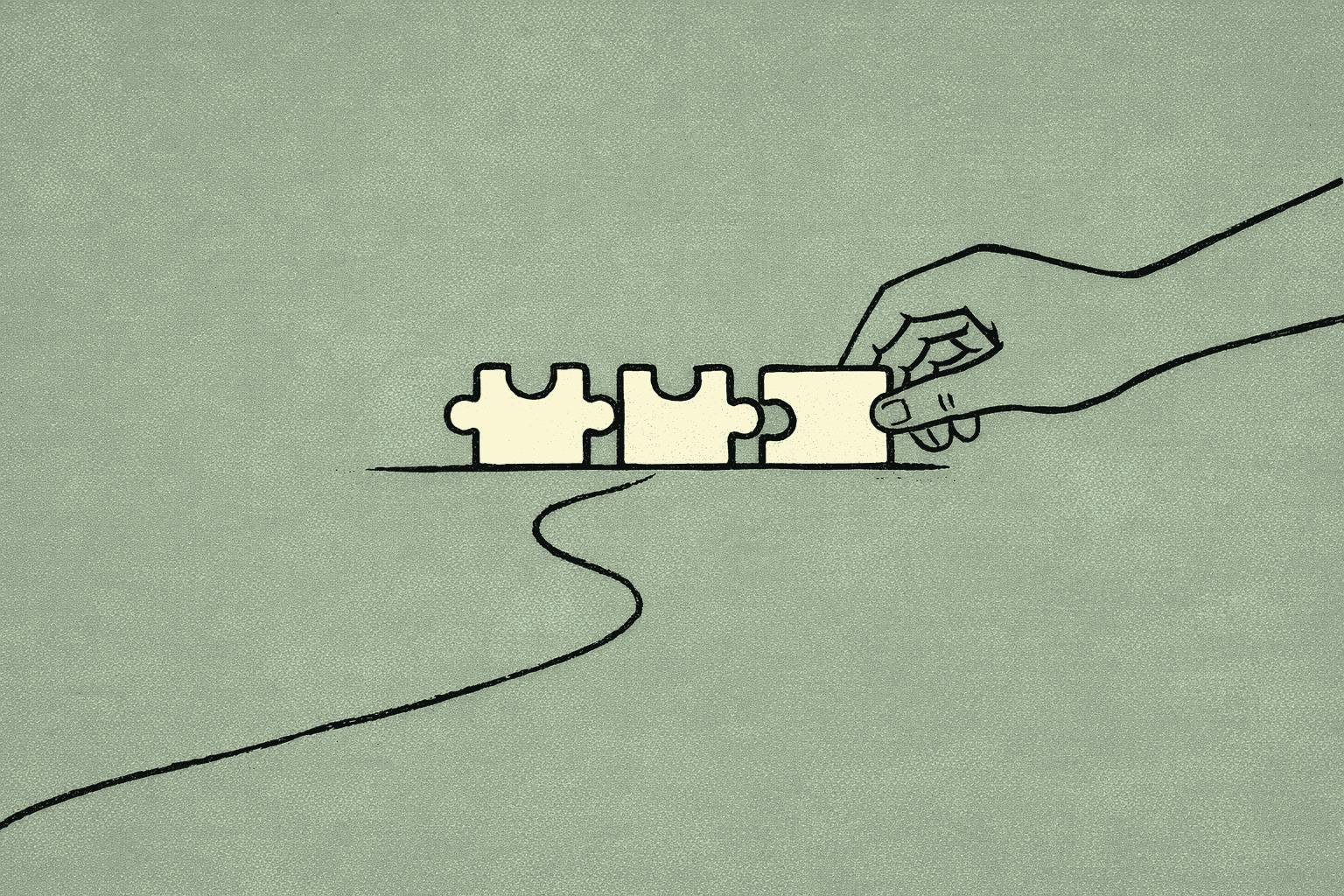
A few weeks of heavier use with coding agents tends to show the same thing: the hard part is not getting code written. It is getting work through a team cleanly. The useful unit is less one prompt and more a repeatable path from intent to change to review.
That changes how the work is set up. Teams do better when they treat the agent as a fast, fallible contributor inside a workflow with clear boundaries. The agent can draft, explore, refactor, and test. The team still has to decide what counts as done, what gets reviewed, and where uncertainty should stop.
Start with a narrow job
The most reliable pattern is a bounded task with a visible output. Good examples are small refactors, test additions, doc updates, or a focused bug fix. The task should have one owner, one target area, and one obvious way to verify the result.
Agents are good at momentum and bad at ambiguity. If the task spans too many files, too many decisions, or too many unknowns, the work often turns into partial edits. Teams then spend time untangling the output instead of using it.
A practical rule: if you cannot describe the expected diff in a sentence, the task is probably too broad for one pass.
Make the handoff explicit
Agentic work gets easier when the handoff is written down in plain language. The agent should know three things before it starts:
- what outcome is wanted
- what constraints matter
- how success will be checked
That can be a short task note, a ticket, or a structured prompt. The format matters less than the clarity. If the agent is expected to preserve an interface, avoid a risky dependency, or keep changes limited to one module, say so directly.
Teams often overestimate how much context the agent will infer from the repository. It can infer a lot, but not reliably enough to replace explicit boundaries. Give enough context to reduce search, then let the agent inspect the codebase for details.
Keep verification close to the edit
The best loops are short. Edit, run checks, inspect, adjust. If verification is delayed, the work drifts. The agent may produce more code, but the team loses the link between change and result.
Tool choice matters less than loop design. Whether the agent runs in an IDE, a CLI, or a scripted environment, the workflow should make it easy to answer: did this change help, and how do we know?
Useful checks are usually the cheapest ones that still catch the failure mode you care about. That might be a unit test, a type check, a targeted repro, or a small manual validation step. The point is not to maximize testing. It is to keep feedback close enough that the agent can correct course before the diff grows.
Use agents for exploration, not just execution
One underused pattern is to ask the agent to explore before it edits. For example, it can map likely touch points, summarize a subsystem, or compare two implementation paths. That can save time when the codebase is unfamiliar or the bug is spread across layers.
The tradeoff is that exploration can create false confidence. A neat summary is not the same as a correct change. Treat exploratory output as a lead, not a conclusion. If the agent says a fix is probably in one place, verify that claim before committing to it.
This matters most in larger codebases where local reasoning is easy but system behavior is not. Agents can help surface options faster than a human alone, but they do not remove the need for judgment.
Review the diff, not the story
A common failure mode is to review the explanation instead of the patch. Agents are often good at producing a convincing narrative of what they changed. That narrative is useful, but it should not replace inspection of the actual diff and the actual checks.
For teams, this means review needs a stable shape. Reviewers should know what to look for: scope, correctness, tests, and unintended side effects. If the change is large, split it. If the change is hard to understand, ask for a smaller pass. If the checks are weak, do not call the output done.
This is one place where agentic teams can become more disciplined than traditional ones. Because the work is already machine-assisted, it is easier to insist on a clean diff, a clear test trail, and a narrow review surface.
Accept that some tasks are still human-led
Not every task should go through an agent first. Ambiguous product decisions, cross-cutting architecture changes, and work that depends on unstated team context still benefit from human framing before automation.
That limitation is not a flaw in the workflow. It is the workflow. Agentic teams work best when they separate decision-heavy work from execution-heavy work. Humans define the shape of the change. Agents help carry it out.
The practical question is not whether agents can do everything. It is which parts of the work are safe to delegate, and which parts need a person to stay close.
A simple operating pattern
A workable team pattern looks like this:
- Define a narrow task.
- State constraints and success checks.
- Let the agent inspect and draft.
- Verify quickly with the cheapest useful check.
- Review the diff, not the explanation.
- Keep ambiguous decisions with a human.
That is not a new process. It is a tighter version of a familiar one. The difference is that the loop is shorter, the handoff is clearer, and the review surface is smaller.
Methodology note
This workflow is easiest to improve at the Review step: the closer the team gets to reading the actual diff and checks, the less room there is for vague confidence.
What to watch for
The main tradeoff is speed versus drift. Agents can make teams faster on well-bounded work, but they can also increase the amount of low-quality code if the task definition is loose. Another tradeoff is coordination overhead: if every pass needs heavy supervision, the gains shrink.
So the goal is not maximum automation. It is a stable division of labor. Humans set direction, agents handle bounded execution, and the team keeps verification close enough to catch mistakes early. That is the part that seems to hold up across tools.
Want to learn more about Codex?
We offer enterprise training and workshops to help your team become more productive with AI-assisted development.
Contact Us